ApplyHome (Cheongyak Home)
ApplyHome is the official integrated housing subscription system operated under South Korea's Ministry of Land, Infrastructure and Transport, allowing all housing application tasks to be handled online. What once required visiting a bank in person can now be done conveniently anytime through the ApplyHome website or mobile app.
ApplyHome is the official integrated housing subscription system operated under South Korea's Ministry of Land, Infrastructure and Transport, where all housing application-related tasks can be processed online. What previously required visiting a bank branch in person can now be handled conveniently anytime, anywhere through the ApplyHome website or mobile app.
Overview

The official name of ApplyHome is "Korea Real Estate Board ApplyHome," and its website address is www.applyhome.co.kr. The site was reorganized in September 2015, consolidating previously fragmented housing application systems into one unified platform to greatly improve public convenience. In line with today's smartphone-oriented society, a mobile app is also provided, further enhancing accessibility.
The main services offered by ApplyHome can broadly be divided into housing application, winner announcement inquiry, and subscription account management. The housing application service allows users to apply online for various types of housing, including apartment subscriptions, officetel subscriptions, urban-type residential housing subscriptions, private housing subscriptions, and public housing subscriptions.
Detailed Explanation
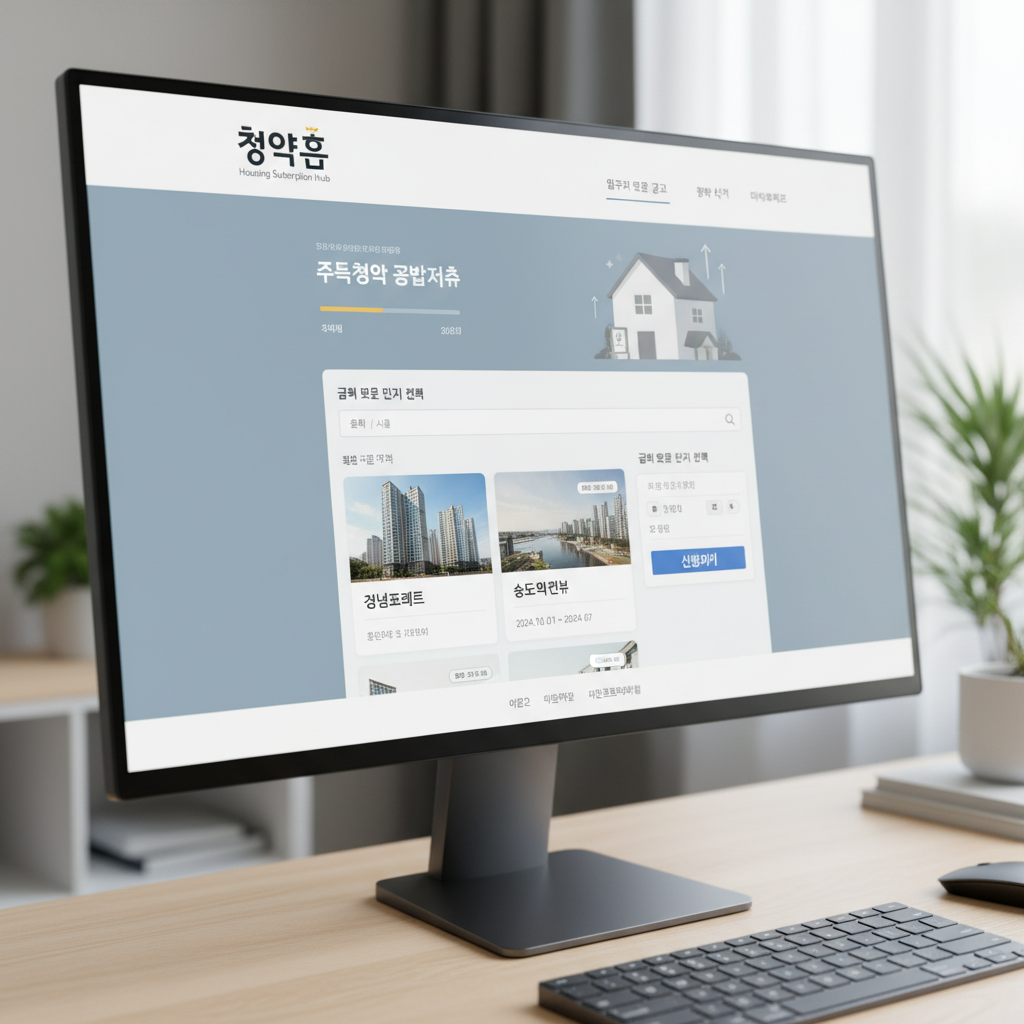
The winner announcement inquiry function allows applicants to check their results in real time after applying. In the past, people had to visit individual bank or construction company websites on announcement day, but now all results can be checked in one place through ApplyHome. Both confirmed winners and reserve candidates with their reserve ranking can be viewed in detail.
Subscription account management is also an important service offered by ApplyHome. Account holders can check their subscription savings, subscription deposits, and subscription installment details including the number of payments and deposited amounts at any time. A simulator is also available to automatically calculate subscription priority points, allowing users to gauge their competitiveness before applying.
To use ApplyHome, users must first register as a member. Registration can be done easily through the website or mobile app, and identity verification through a joint certificate (formerly the public certificate) or simple authentication is required. Various easy authentication methods such as Kakao, Naver, and KB Mobile are now supported, making access even more convenient.
How to Use
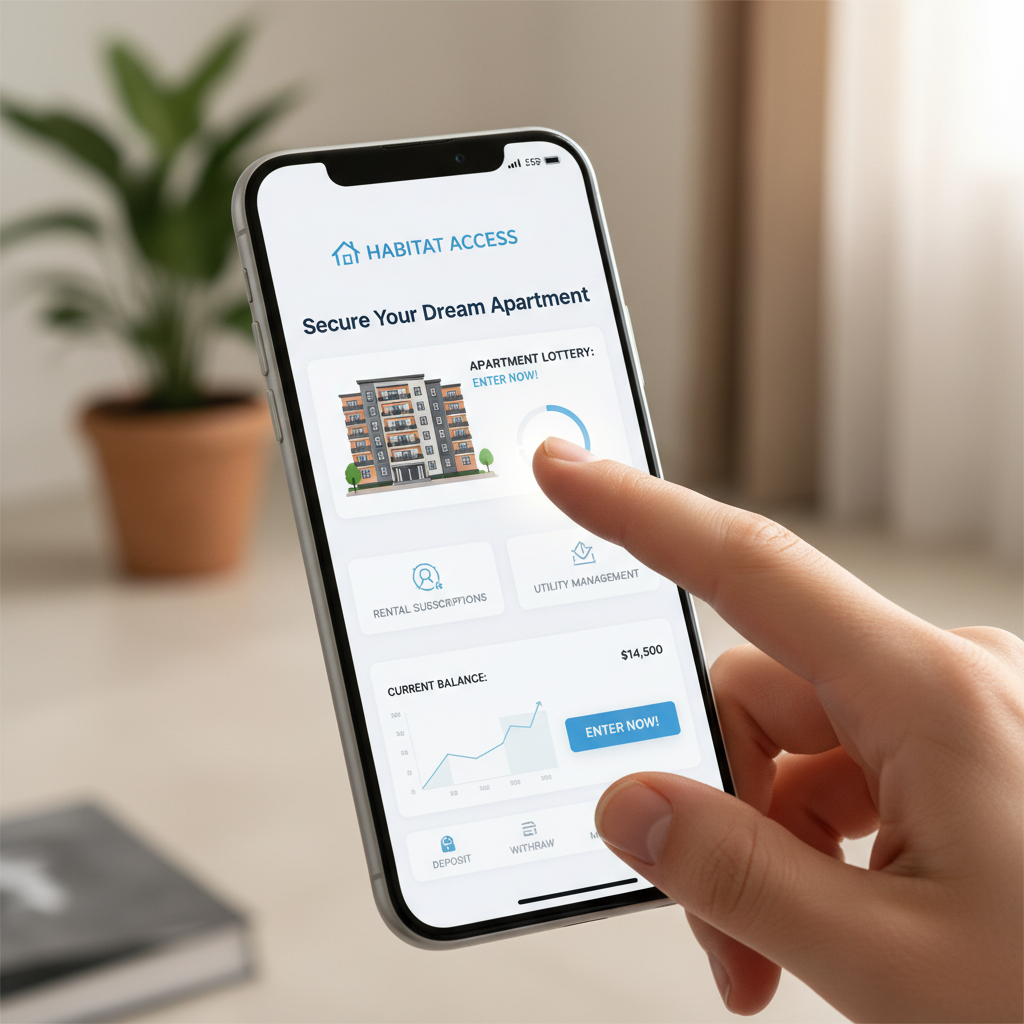
After registering, users must link their subscription account information. Subscription accounts can be opened at major commercial banks including Kookmin Bank, Woori Bank, Shinhan Bank, Hana Bank, and Nonghyup Bank, and accounts from any bank can be managed centrally through ApplyHome. This is considered one of ApplyHome's biggest advantages, as the inconvenience of accessing each bank separately has been eliminated.
The process of applying for housing subscriptions through ApplyHome is relatively straightforward. After logging in, users select the desired subscription announcement and can search by region, housing type, and supplier to find housing that fits their conditions. After selecting the announcement, an application form is filled out and submitted to complete the application.
When applying, it is important to accurately understand your subscription eligibility. ApplyHome provides an eligibility inquiry service where users can check in advance whether they qualify for special supply or what priority they fall under in general supply. The subscription priority point system, which converts factors such as the period without homeownership, number of dependents, and subscription account tenure into scores, is automatically calculated by the platform.
Additional Information

For general supply, housing with exclusive areas of 85 square meters or less is allocated 75% by priority points and 25% by lottery, while housing over 85 square meters applies a ratio of 30% priority points and 70% lottery. ApplyHome also provides tools to predict your chances of winning based on these ratios and your own score.
ApplyHome's mobile app offers nearly the same features as the PC website. The official app can be downloaded by searching "ApplyHome" or "Korea Real Estate Board" on Google Play Store or Apple App Store. The mobile app's strength is the ability to check housing information and apply anytime, anywhere, and push notifications allow users to stay informed about new announcements and winner announcement schedules for regions of interest.
The sales information provided by ApplyHome is very detailed. Basic information such as complex name, location, number of units, sale price, floor plans, and expected move-in date is provided, along with information on surrounding transportation, educational facilities, and commercial facilities. This enables a comprehensive evaluation of any apartment before applying.
Advanced Information

Schedule management is also an important feature of ApplyHome. Key dates such as the application period, winner announcement date, and contract period are displayed at a glance. Registering a complex as a favorite enables schedule change notifications, and especially during busy application seasons when multiple complexes overlap, the calendar function helps manage schedules efficiently.
Information on unranked subscriptions is also available through ApplyHome. Unranked subscriptions occur when there are vacancies after the first and second priority rounds, and even those without a subscription account can apply. ApplyHome separately lists unranked subscription schedules and eligible complexes to help those without accounts access housing opportunities.
ApplyHome's statistical data service is also useful. Based on past subscription result data, it provides average competition rates and winning cutoff scores by region and unit size to help formulate future strategies. For example, users can check what score was needed to win a specific unit type in a given region over recent years, enabling a more realistic assessment of their own chances.
ApplyHome also provides subscription-related educational content. Materials ranging from basic guides for first-time applicants to detailed subscription strategies are available. A frequently asked questions section quickly addresses common inquiries, and video lecture content is also available to help users understand the subscription system.
Cautions

There are important points to be aware of when using ApplyHome. On subscription application deadlines, site traffic surges can slow down or temporarily block access, so it is advisable to apply well before the deadline. For popular complexes, server load can intensify several hours before the deadline.
Privacy protection is also important. Since ApplyHome handles sensitive personal and financial information, users must access only the official website (www.applyhome.co.kr) and be wary of phishing sites or impersonating apps. Although an auto-logout timer is set after login, developing the habit of logging out after use is the safest approach.
Information on post-winning contract procedures is also available on ApplyHome. Winners must prepare the required documents and visit the model house within the specified contract period. ApplyHome provides detailed guidance on the documents and preparations needed at the time of contract, as well as the payment schedule and down payment procedures.
Section 7

Recently, ApplyHome has also launched a digital subscription account service. While opening a subscription account previously required a bank visit, it can now be done remotely through bank apps linked with ApplyHome, providing great convenience for busy workers or those unable to visit a bank.
ApplyHome is continuously improving its system. User feedback is incorporated to improve UI and UX, and new features are being added, with a particular focus on optimizing services for mobile environments. Whenever the government's real estate policies change and the subscription system is updated, ApplyHome immediately reflects these changes to provide the latest information.
Both public and private housing subscriptions are managed through ApplyHome. While the LH subscription center and private subscriptions were once separate and confusing, all subscription information is now integrated into ApplyHome, allowing all housing opportunities to be checked in one place. However, some public housing may still be handled separately through the LH subscription center, so carefully reviewing announcements remains important.
Section 8

Regional subscription conditions can also be checked in detail on ApplyHome. Eligibility requirements differ depending on the metropolitan area versus local regions, and whether the area is designated as a speculative overheating zone or an adjustment target area. ApplyHome clearly explains these regional differences to help prevent disqualification due to eligibility issues.
ApplyHome's customer center supports both phone and online consultation. Inquiries can be made by calling the customer center (1644-7445) or by using the 1:1 inquiry board on the website. Consultation hours are weekdays from 9 AM to 6 PM, and wait times may be longer during active subscription periods.
Information on resale restrictions for subscription rights is also available on ApplyHome. To prevent speculative overheating, resale of subscription rights is restricted in some areas. It is important to check the resale restriction period for a given complex before applying, and ApplyHome specifies whether and for how long each complex has resale restrictions.
Section 9

Re-winning restrictions are also a critical point to verify before applying. There are rules that prevent winners from winning another subscription for a certain period after winning once. This can be checked through the "Subscription Restriction Inquiry" menu on ApplyHome. Care must be taken to avoid being disqualified after winning due to overlooking this restriction.
ApplyHome is a platform that has revolutionized South Korea's housing subscription culture. What was once a complex and inconvenient process has been streamlined online, making it easy for anyone to pursue the opportunity of homeownership. ApplyHome is expected to continue advancing and contributing to housing stability for all citizens.
For those preparing for housing subscriptions, it is strongly recommended to register on ApplyHome and develop the habit of regularly checking sales announcements for regions of interest. Calculating your priority points in advance and establishing a subscription strategy tailored to your situation is the first step toward a successful application. We encourage everyone to make full use of ApplyHome in pursuit of owning their own home.
Key Checks First
ApplyHome is the official integrated housing subscription system operated under South Korea's Ministry of Land, Infrastructure and Transport, allowing all housing application tasks to be handled online. What once required visiting a bank in person can now be done conveniently anytime through the ApplyHome website or mobile app. Readers looking for ApplyHome (Cheongyak Home) usually need both the immediate steps and a fallback path when something fails. Use the checklist below before changing an account setting, submitting a request, or relying on a third-party guide.
Before You Start
| Item | What to check |
|---|---|
| Official channel | App, website, customer center, government site, or service portal |
| Verification | Login, phone verification, certificate, or two-factor authentication |
| Timing | Instant change, same-day processing, or business-day delay |
| Cost | Fee, auto-renewal, refund window, or cancellation condition |
| Records | Confirmation number, screenshot, email, or text message receipt |
Troubleshooting Order
- Recheck the current official app or website before following an old screenshot.
- If the menu name has changed, search inside the service with the core keyword.
- For verification errors, update the app, clear browser cache, and try another browser.
- For payment, refund, cancellation, or account deletion, save the completion screen.
- If support is needed, include the date, payment method, device, and exact error message.
Important Notes
Convenience services often change menu names, verification flows, and refund rules. Treat old screenshots as references, not final instructions. For irreversible actions such as cancellation, refund requests, account deletion, or official applications, confirm the current policy before pressing the final button.
For related everyday guides, browse the tips list. If the topic involves money, fees, interest, or taxes, the calculator hub can help with follow-up math. For policy or market updates, check the news section.
Frequently Asked Questions
Which should I follow if the app and website show different steps?
Use the current official screen for the service you are logged into. For payments, refunds, and cancellations, also check the latest terms or customer-center notice before final confirmation.
What should I do if verification keeps failing?
Update the app, try a different browser, clear cache, and retry phone or identity verification. If the same error repeats, save the message and contact support with the exact time and device.
What proof should I keep after completing the process?
Keep the confirmation number, completion screen, email, text message, and payment or cancellation record. These records help if you need to prove the request later.
Are older guides still reliable?
They can explain the general idea, but the current official page should be treated as the source of truth. Menu names and policies change, so confirm the latest screen before acting.
Additional Tips
- Consult with a professional for accurate information
- For more details, please contact the relevant authorities
Time calculators to use next
Continue with calculators for h:m:s arithmetic, work hours, sleep planning, presentation timing, and world time.
Apply this to your portfolio
Calculate the optimal weights with the rebalancing calculator
Go to Rebalancing CalculatorHave any questions?