Navigation & Map Apps
Navigation has become an indispensable part of everyday life in modern society. Before smartphones became widespread, people relied on paper maps or asking passersby for directions — but now, finding the optimal route to any destination is just a few taps away.
Navigation has become an indispensable part of everyday life in modern society. Before smartphones became widespread, unfolding paper maps or asking passersby for directions was the norm — but now, finding the optimal route to any destination takes only a few taps.
Overview
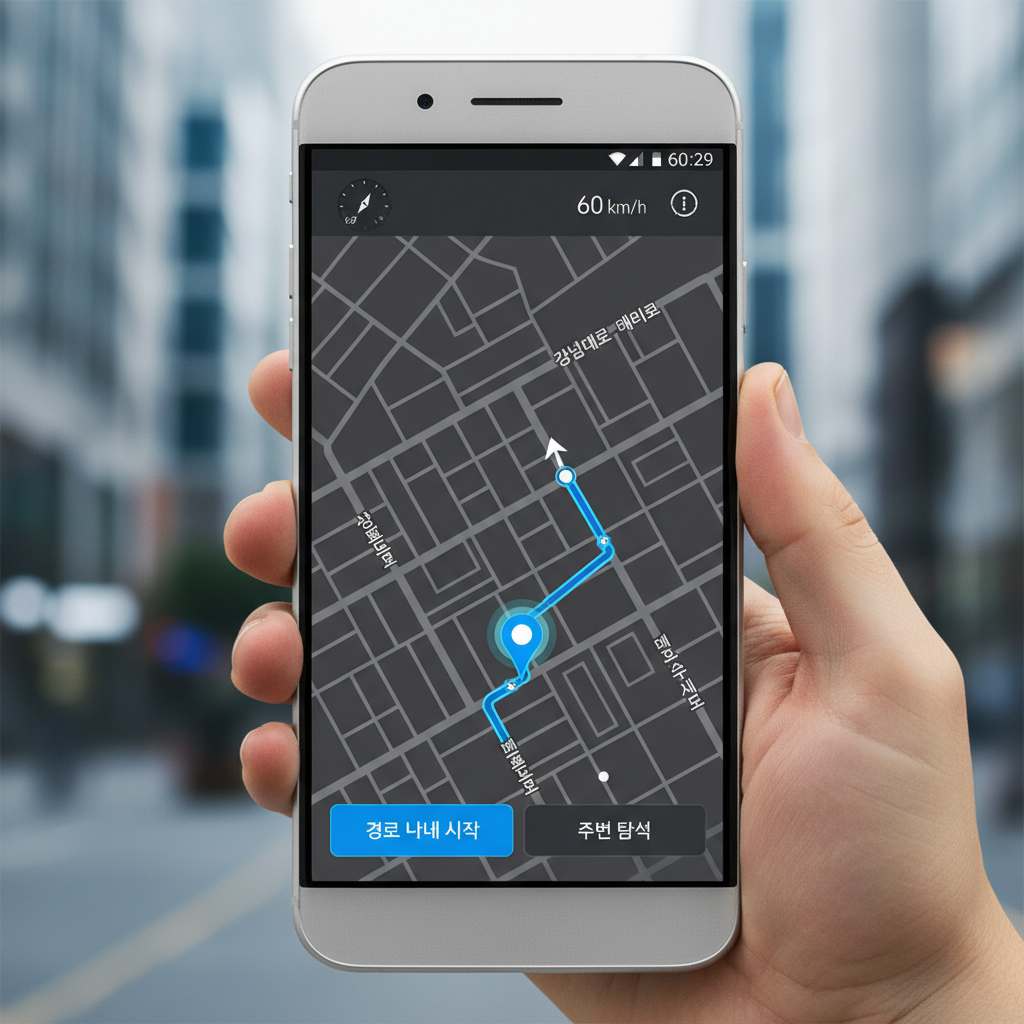
Navigation services have done more than just help us find our way — they have fundamentally changed how we live. We can now visit unfamiliar places with confidence, calculate the ideal departure time to arrive on schedule, and reroute in real time based on traffic conditions. In South Korea in particular, apps such as Naver Maps, Kakao Map, and T-map have competed fiercely, steadily raising the quality of their services. Each app has its own distinct strengths, allowing users to choose the one that best suits their needs.
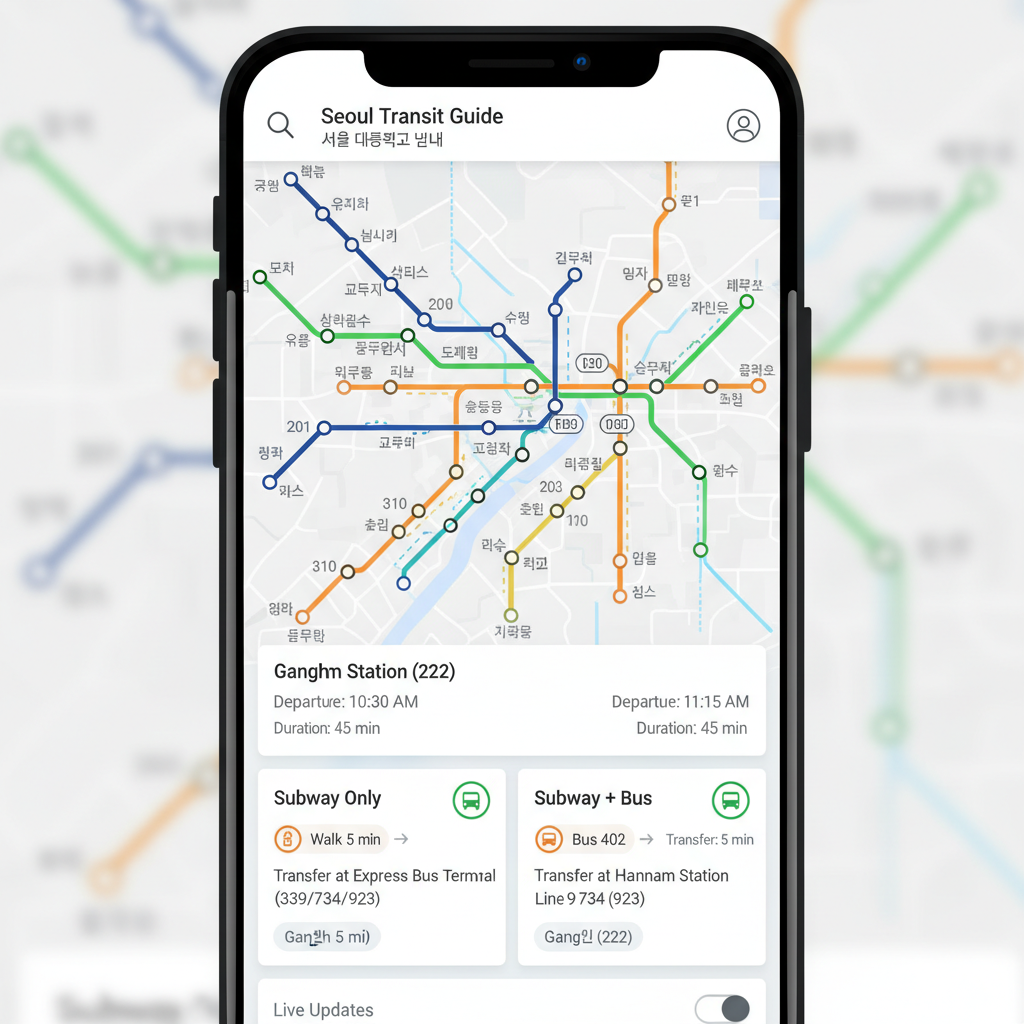
Naver Maps is widely loved for the accuracy and detail of its public transit information. It provides real-time schedules and transfer details for subways, buses, and trains, and even alerts users to the last train or bus of the night. It also calculates walking distances and times with precision, making it one of the most frequently used navigation services in daily life. Its intuitive transit route map lets users grasp transfer segments at a glance.
Detailed Explanation

Kakao Map is well known for its user-friendly interface and a rich set of additional features. Its place-search function is excellent, and it pairs results with real user reviews and ratings, making it especially helpful when looking for restaurants or travel destinations. Its favorites feature is also well-implemented, letting users save frequently visited spots for instant navigation. Integration with KakaoTalk is seamless, making it highly convenient for sharing locations with friends or deciding on meeting places.
T-map has established itself as the go-to app for drivers, with navigation capabilities optimized for car travel. It delivers optimal routes based on real-time traffic data and provides all the information drivers need — speed-camera locations, accident-prone zones, and road construction sections. Its voice guidance is highly refined, enabling safe navigation while driving. It even includes parking information and fuel price comparisons, maximizing convenience for drivers.
How to Use Effectively
There are a few tips worth knowing to get the most out of navigation services. First, it is important to compare multiple routes before setting off. Even to the same destination, the optimal route can vary depending on the time of day and the mode of transport. Second, when using public transit, consider both the number of transfers and the total travel time. Fewer transfers do not always mean a better journey — sometimes a route with one extra transfer is more efficient overall because it takes less time. Third, when choosing a route that includes walking, factor in the weather and your own energy levels. On a rainy day or in the heat of summer, a route with more indoor travel — even if it requires more transfers — may be far more comfortable.
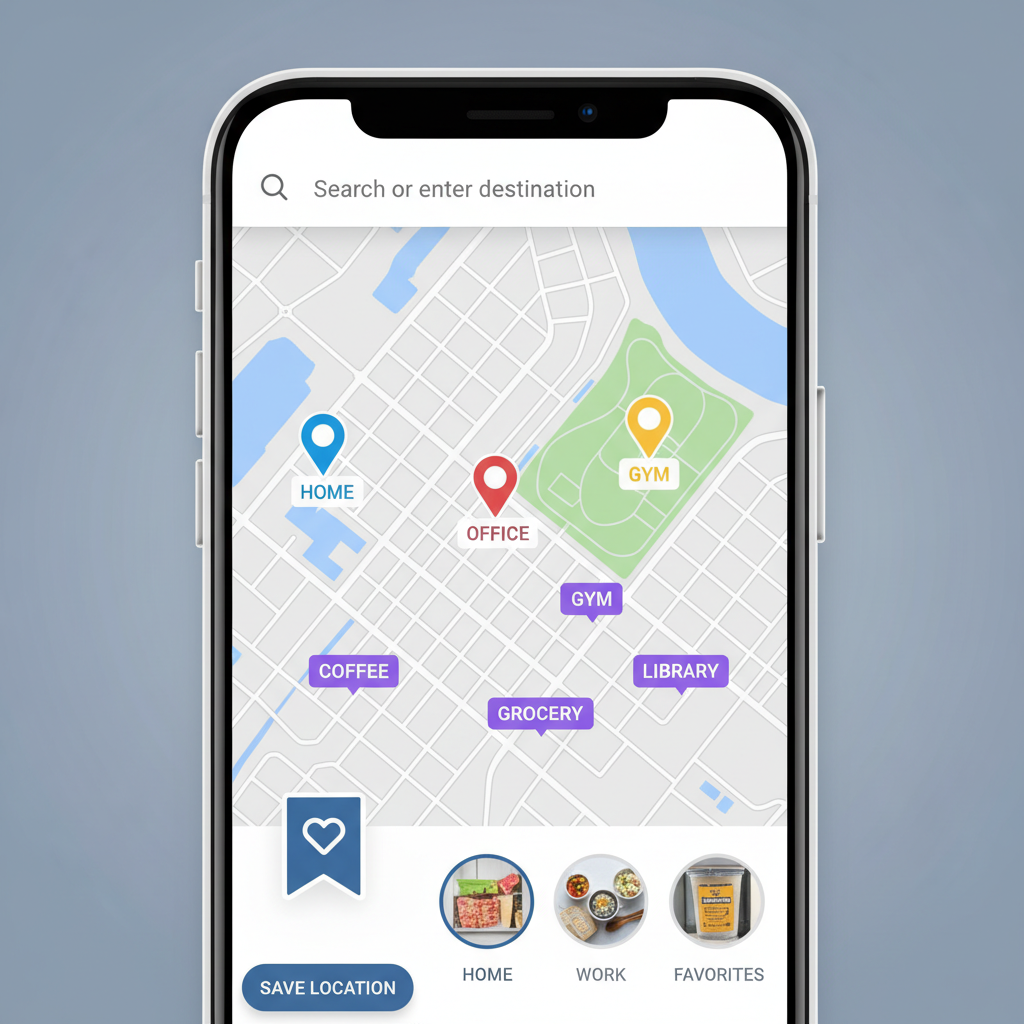
Making full use of the favorites feature in navigation apps can make daily life much easier. Saving your home, office, and frequently visited cafes or restaurants means you can start navigating without searching for an address every time. Saving the addresses of family members and friends is equally handy when paying them a visit.
Additional Information
Adding labels to your saved favorites makes managing them even more efficient. Noting the parking information or entrance locations of places you visit regularly can save you from wandering around once you arrive.
When navigating by public transit, always check the real-time bus arrival information. On routes with long intervals between buses, missing one by just a few minutes can mean a long wait for the next. Checking live information and adjusting your departure time accordingly is the smart approach. When driving, your route can vary significantly depending on when you leave. During peak commuting hours, travel times are far longer than usual, so checking the estimated arrival time in your navigation app and leaving with extra time to spare is advisable. Alternative roads and back streets are also suggested so you can choose the best option for the situation. Monitoring real-time traffic updates periodically and adjusting your route accordingly can save you a great deal of time.
Advanced Features

Navigation services have recently expanded well beyond simple route guidance to offer a wide range of additional services. They now provide information on nearby amenities useful during a journey — parking facilities, gas stations, EV charging stations, and public restrooms — making travel more convenient than ever.
Navigation apps are equally indispensable for international travel. Google Maps works in most parts of the world, and its offline map download feature lets you navigate even without a data connection. Downloading maps of your destination before departure can be a lifesaver on the ground. Voice guidance in navigation apps is particularly useful when walking or cycling. You can receive turn-by-turn directions through audio without having to keep your eyes on your phone screen, making for a safer journey.
Setting an exit alert when using public transit helps prevent accidentally riding past your stop. This is especially useful on unfamiliar lines or during long journeys when you might doze off. The app will alert you as you approach your destination so you can prepare to get off in advance.
Notes & Tips

Making use of the street-view feature in navigation apps is also highly recommended. For places you are visiting for the first time, checking the exterior of a building or its surroundings in advance makes finding it on the ground far easier. This is particularly helpful when a building has multiple entrances or when the destination is tucked away in a narrow alley.
Navigation services for cyclists and personal mobility device (e-scooter) users are also advancing rapidly. Options now include routing that prioritizes dedicated bike lanes or avoids steep gradients. The locations of shared bikes and e-scooters are displayed on the map as well, making them easy to use in combination with navigation.
For long-distance trips with multiple stops, navigation apps can efficiently plan even complex itineraries. Enter your starting point, destination, and intermediate stops in order, and the app will display the full route and estimated time at a glance — making it straightforward to plan a full day of activities efficiently.
Point 7

When using navigation services, it is also important to be mindful of your privacy. It is advisable to grant location access only when necessary and to manage your settings so that your location history is not stored. Most apps offer options to delete or disable location history.
Barrier-free navigation features are also improving, providing significant help for wheelchair users and parents with strollers. Information on routes with elevators, ramp-equipped paths, and accessible restroom locations is provided, helping everyone get around comfortably.
Recently, AI-powered navigation services have emerged that learn individual movement patterns and recommend personalized routes. By analyzing preferred modes of transport, frequently visited places, and typical travel times, the app automatically suggests the most optimized routes for each user. Navigation services integrated with weather data are also proving very useful. On rainy days, routes with more indoor travel may be prioritized; on days with high particulate matter levels, subway use may be recommended — delivering the best route for current conditions.
Point 8

Public transit fare information is also available within navigation services, which is very convenient. You can compare fares across multiple routes and choose the most economical option; transfer discounts are calculated automatically, providing accurate fare estimates. Getting into the habit of checking the estimated fare for a route before you travel is a good way to avoid being caught short on your transit card.
Using the sharing feature in navigation apps makes it easy to let friends or family know where to meet. Instead of giving complex addresses or verbal directions, a single link conveys the exact location and navigation details — an incredibly convenient solution. The recipient does not even need to have the same app; they can view the location through the link.
Late at night, checking the last train or bus time is especially important. Navigation apps provide last-service information, so always check when you have a late-night engagement — and if it looks like you might miss the last service, prepare an alternative such as a taxi or designated driver in advance.
Point 9
Navigation services have now become an essential tool in our daily lives. Used effectively, they can save both time and money while also offering the joy of exploring new places. Take the time to learn each feature one by one and find the approach that works best for you.
Finally, be mindful of battery consumption when using navigation apps. Continuous GPS and data usage can drain your battery quickly. For long trips or full-day outings, it is a good idea to bring a portable charger or identify places along the way where you can recharge. Data usage can also be significant, so if you are not on an unlimited plan, checking your route on Wi-Fi beforehand is a smart move. Using power-saving mode or reducing screen brightness can also extend battery life. Closing unnecessary background apps is another effective way to conserve battery power.
Key Checks First
Navigation has become an indispensable part of everyday life in modern society. Before smartphones became widespread, people relied on paper maps or asking passersby for directions — but now, finding the optimal route to any destination is just a few taps away. Readers looking for Navigation & Map Apps usually need both the immediate steps and a fallback path when something fails. Use the checklist below before changing an account setting, submitting a request, or relying on a third-party guide.
Before You Start
| Item | What to check |
|---|---|
| Official channel | App, website, customer center, government site, or service portal |
| Verification | Login, phone verification, certificate, or two-factor authentication |
| Timing | Instant change, same-day processing, or business-day delay |
| Cost | Fee, auto-renewal, refund window, or cancellation condition |
| Records | Confirmation number, screenshot, email, or text message receipt |
Troubleshooting Order
- Recheck the current official app or website before following an old screenshot.
- If the menu name has changed, search inside the service with the core keyword.
- For verification errors, update the app, clear browser cache, and try another browser.
- For payment, refund, cancellation, or account deletion, save the completion screen.
- If support is needed, include the date, payment method, device, and exact error message.
Important Notes
Convenience services often change menu names, verification flows, and refund rules. Treat old screenshots as references, not final instructions. For irreversible actions such as cancellation, refund requests, account deletion, or official applications, confirm the current policy before pressing the final button.
For related everyday guides, browse the tips list. If the topic involves money, fees, interest, or taxes, the calculator hub can help with follow-up math. For policy or market updates, check the news section.
Frequently Asked Questions
Which should I follow if the app and website show different steps?
Use the current official screen for the service you are logged into. For payments, refunds, and cancellations, also check the latest terms or customer-center notice before final confirmation.
What should I do if verification keeps failing?
Update the app, try a different browser, clear cache, and retry phone or identity verification. If the same error repeats, save the message and contact support with the exact time and device.
What proof should I keep after completing the process?
Keep the confirmation number, completion screen, email, text message, and payment or cancellation record. These records help if you need to prove the request later.
Are older guides still reliable?
They can explain the general idea, but the current official page should be treated as the source of truth. Menu names and policies change, so confirm the latest screen before acting.
Additional Tips
- For accurate information, consult a specialist.
- For more details, please contact the relevant organization.
Time calculators to use next
Continue with calculators for h:m:s arithmetic, work hours, sleep planning, presentation timing, and world time.
Apply this to your portfolio
Calculate the optimal weights with the rebalancing calculator
Go to Rebalancing CalculatorHave any questions?