스카이스캐너 항공권 검색 바로가기
스카이스캐너 공식 사이트에서 출발·도착·날짜를 넣으면 항공사·여행사 가격을 한 번에 비교할 수 있고, 가격 알림은 앱이나 로그인 후 설정합니다. 결제는 스카이스캐너가 아니라 연결된 항공사·여행사 화면에서 이뤄지므로 수하물·환불 조건을 그곳에서 다시 확인하세요.
스카이스캐너 항공권 검색 ↗skyscanner.co.kr최저가 검색, 한 달 보기, 모든 곳 검색
- 가장 싼 날짜를 찾고 싶다
- 스카이스캐너 → 날짜 '한 달 보기'직항·경유, 수하물 포함 총액으로 비교
- 가격이 내려가면 알림을 받고 싶다
- 앱 설치 → 노선 검색 → 가격 알림알림 후 예약처 조건 확인
- 최종 결제 전 조건을 확인하고 싶다
- 선택한 항공사·여행사 화면환불·변경 수수료, 여권 영문 이름 확인
공식 사이트가 아닌 독립 안내 페이지입니다. 실제 예매·조회·신청은 공식 사이트에서 진행됩니다.
스카이스캐너 항공권 사용법 | 최저가 검색, 가격 알림, 예매 주의사항
생활정보 편집팀 · 검토 2026-05-15 · 편집 기준
스카이스캐너는 항공권, 호텔, 렌터카 가격을 비교하는 여행 검색 서비스입니다. 한 달 보기, 모든 곳 검색, 가격 알림, 최종 결제 전 확인해야 할 조건을 정리했습니다.
스카이스캐너는 어떤 서비스인가요
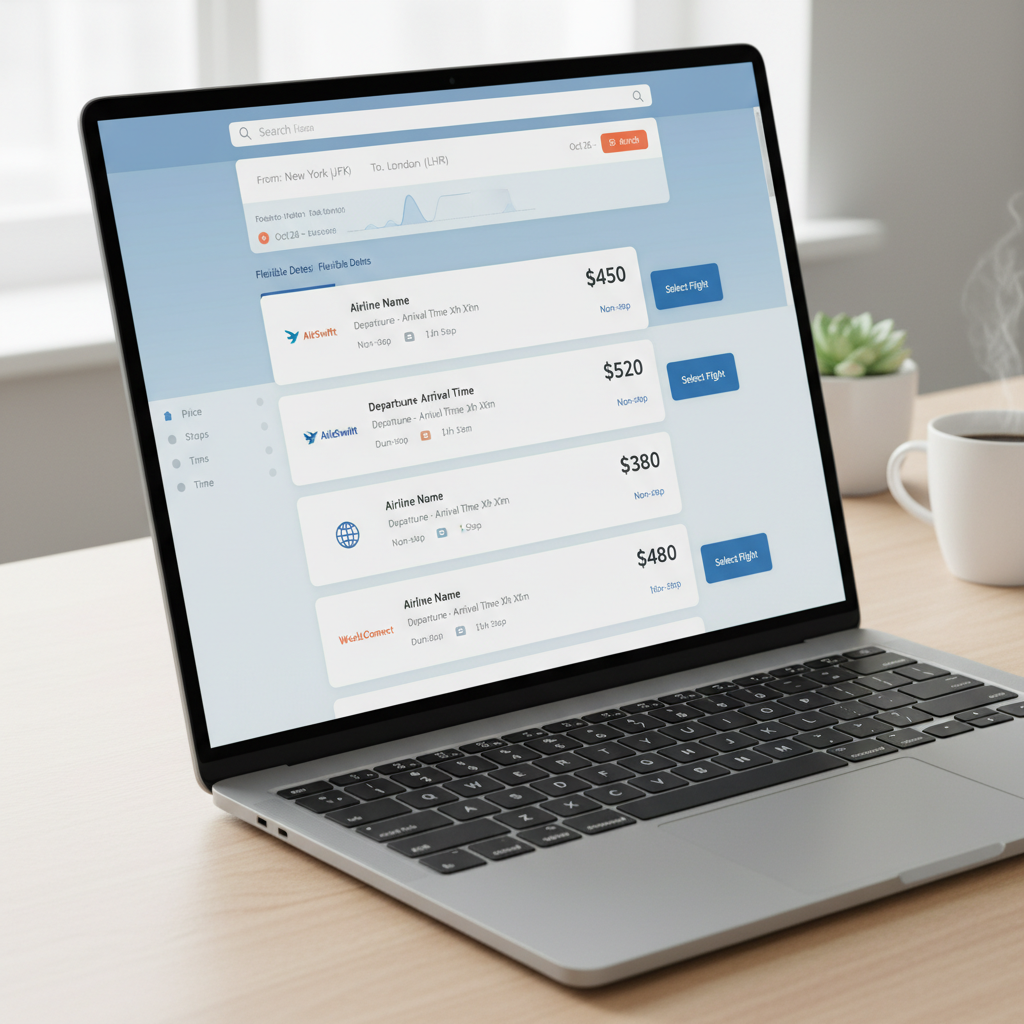
스카이스캐너는 항공권, 호텔, 렌터카 가격을 한 번에 비교하는 여행 검색 서비스입니다. 네이버 검색 결과에서도 공식 사이트는 항공권 비교 및 예약을 주요 문구로 보여주며, 항공권·호텔·렌터카 메뉴를 함께 제공합니다.
핵심 기능은 간단합니다.
| 기능 | 무엇을 할 수 있나 |
|---|---|
| 항공권 검색 | 여러 항공사와 여행사의 가격 비교 |
| 한 달 보기 | 날짜별 최저가 흐름 확인 |
| 모든 곳 검색 | 목적지를 정하지 않고 저렴한 여행지 찾기 |
| 가격 알림 | 관심 노선의 가격 변동 알림 받기 |
| 호텔·렌터카 | 여행 준비 항목을 추가로 비교 |
다만 스카이스캐너가 모든 항공권을 직접 판매하는 것은 아닙니다. 원하는 항공권을 누르면 항공사나 여행사 사이트로 이동해 결제하는 방식이 많습니다. 그래서 검색 가격보다 결제 직전의 최종 조건이 더 중요합니다.
스카이스캐너 항공권 검색 순서
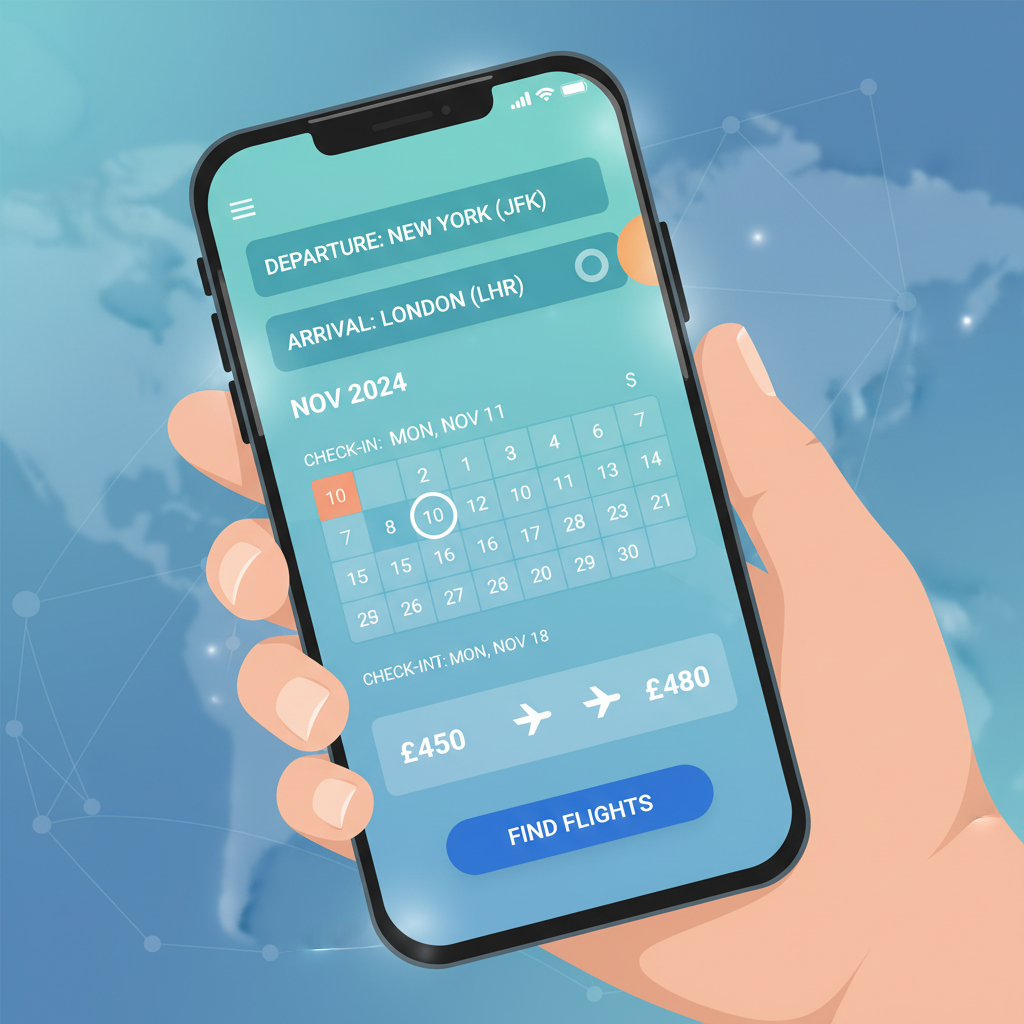
처음 쓰는 사람이라면 아래 순서대로 검색하면 됩니다.
- 스카이스캐너 웹사이트 또는 앱에 접속합니다.
- 출발지와 도착지를 입력합니다.
- 왕복, 편도, 다구간 중 여행 형태를 고릅니다.
- 출발일과 귀국일을 선택합니다.
- 인원과 좌석 등급을 입력합니다.
- 검색 결과에서 가격, 시간, 경유, 항공사를 비교합니다.
- 원하는 항공권을 선택하고 연결된 판매처에서 최종 결제 조건을 확인합니다.
검색 결과는 단순히 제일 싼 순서로만 보면 안 됩니다. 새벽 도착, 긴 경유, 공항 변경, 수하물 미포함, 환불 불가 조건이 숨어 있을 수 있기 때문입니다.
한 달 보기와 날짜 조정 기능
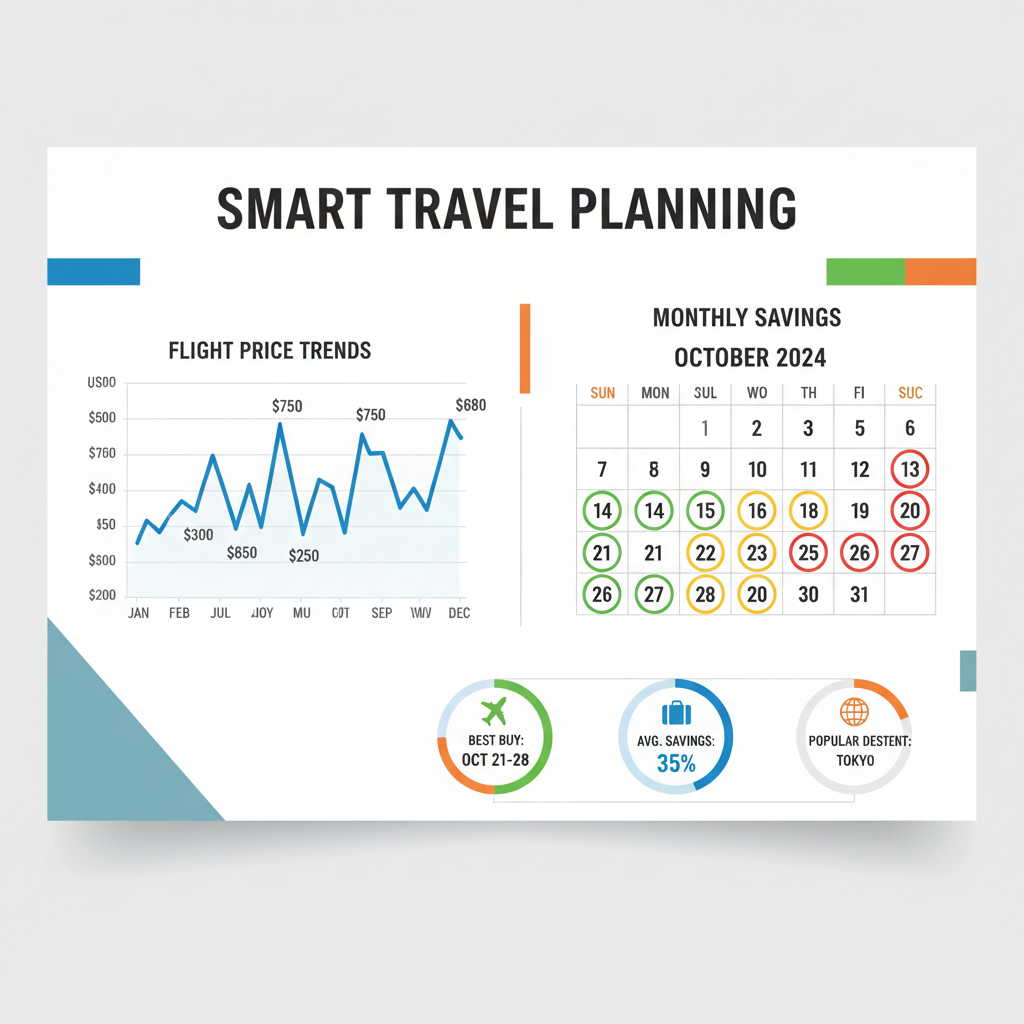
여행 날짜가 고정되어 있지 않다면 한 달 보기 또는 날짜 유연 검색을 먼저 쓰는 것이 좋습니다. 같은 노선이라도 하루 차이로 가격이 크게 달라질 수 있습니다.
특히 아래 상황에서 유용합니다.
- 휴가 날짜를 어느 정도 조정할 수 있을 때
- 주말 출발과 평일 출발 가격 차이를 보고 싶을 때
- 추석, 설, 연휴 전후 가격을 비교할 때
- 일본, 동남아처럼 항공편이 많은 노선을 볼 때
- 최저가 날짜를 먼저 찾고 여행 일정을 맞추고 싶을 때
달력에서 가장 저렴한 날짜를 고른 뒤에도 바로 결제하지 말고, 출발 시간과 도착 시간을 같이 확인하세요. 너무 늦게 도착하면 숙박비나 교통비가 더 들어 실제로는 비싸질 수 있습니다.
목적지가 정해지지 않았다면 모든 곳 검색

스카이스캐너의 강점 중 하나는 모든 곳 검색입니다. 목적지에 모든 곳을 넣으면 출발지에서 갈 수 있는 여행지를 가격순으로 확인할 수 있습니다.
이 기능은 “어디든 저렴하면 가고 싶다”는 여행에 잘 맞습니다.
예를 들어 인천 출발, 3박 4일, 예산 우선으로 검색하면 가까운 일본, 중국, 동남아 노선부터 가격이 보일 수 있습니다. 여행지가 정해져 있지 않다면 목적지를 먼저 고르는 것보다 예산에 맞춰 후보지를 좁히는 방식이 효율적입니다.
다만 항공권이 싸다고 전체 여행이 싼 것은 아닙니다. 현지 숙박비, 교통비, 환율, 비자, 입국 조건, 여행 시기도 함께 봐야 합니다.
가격 알림 설정 방법
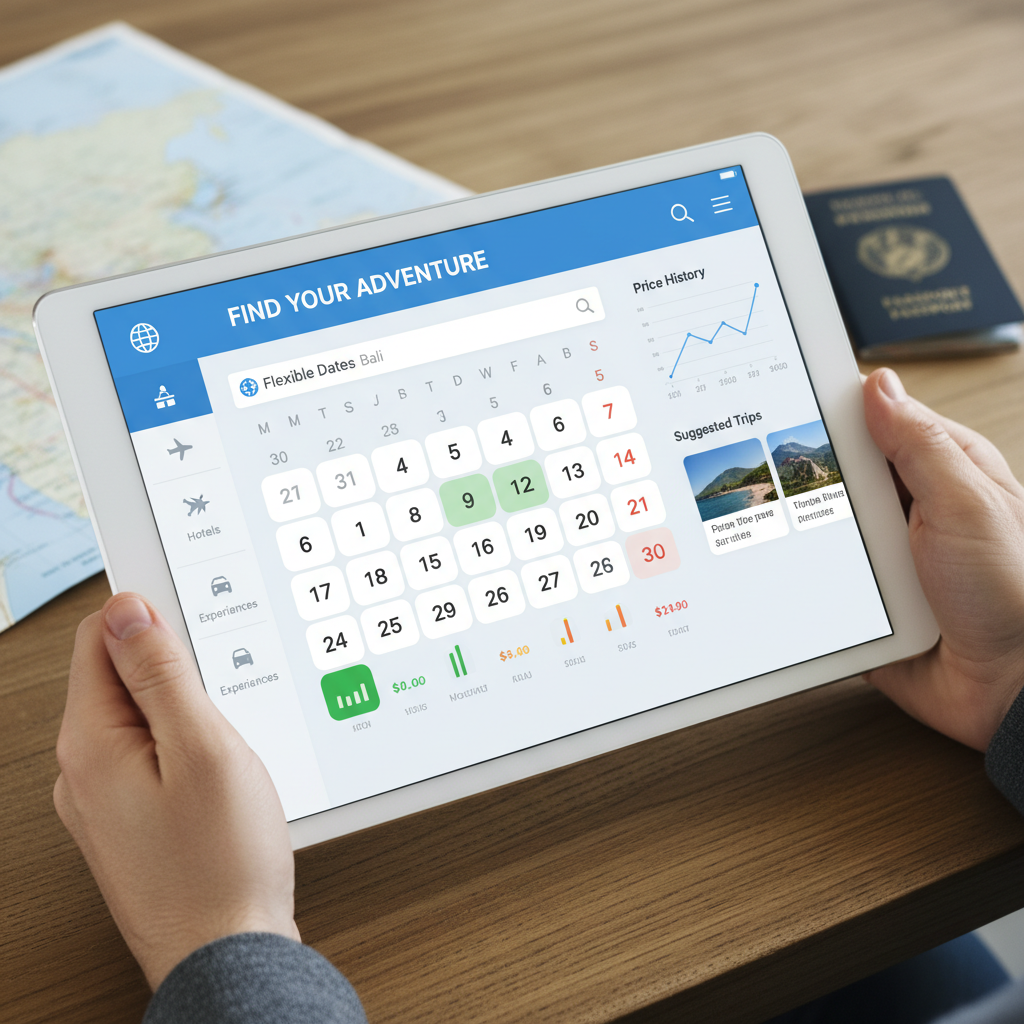
당장 결제할지 고민된다면 가격 알림을 설정해두는 것이 좋습니다. 관심 노선과 날짜를 정해두면 가격 변동을 확인할 수 있어 매일 검색하는 시간을 줄일 수 있습니다.
가격 알림은 이런 상황에서 특히 유용합니다.
- 여행 날짜는 정해졌지만 아직 가격이 비싸 보일 때
- 성수기 항공권을 미리 추적하고 싶을 때
- 특정 노선의 평균 가격을 알고 싶을 때
- 급하게 사지 않고 며칠 더 지켜보고 싶을 때
다만 항공권 가격은 실시간으로 변합니다. 알림을 받은 뒤 들어갔을 때 이미 가격이 바뀌었을 수 있습니다. 그래서 마음에 드는 가격이 나오면 수하물과 환불 조건을 확인한 뒤 빠르게 결정하는 편이 좋습니다.
최저가 항공권을 고를 때 확인할 것
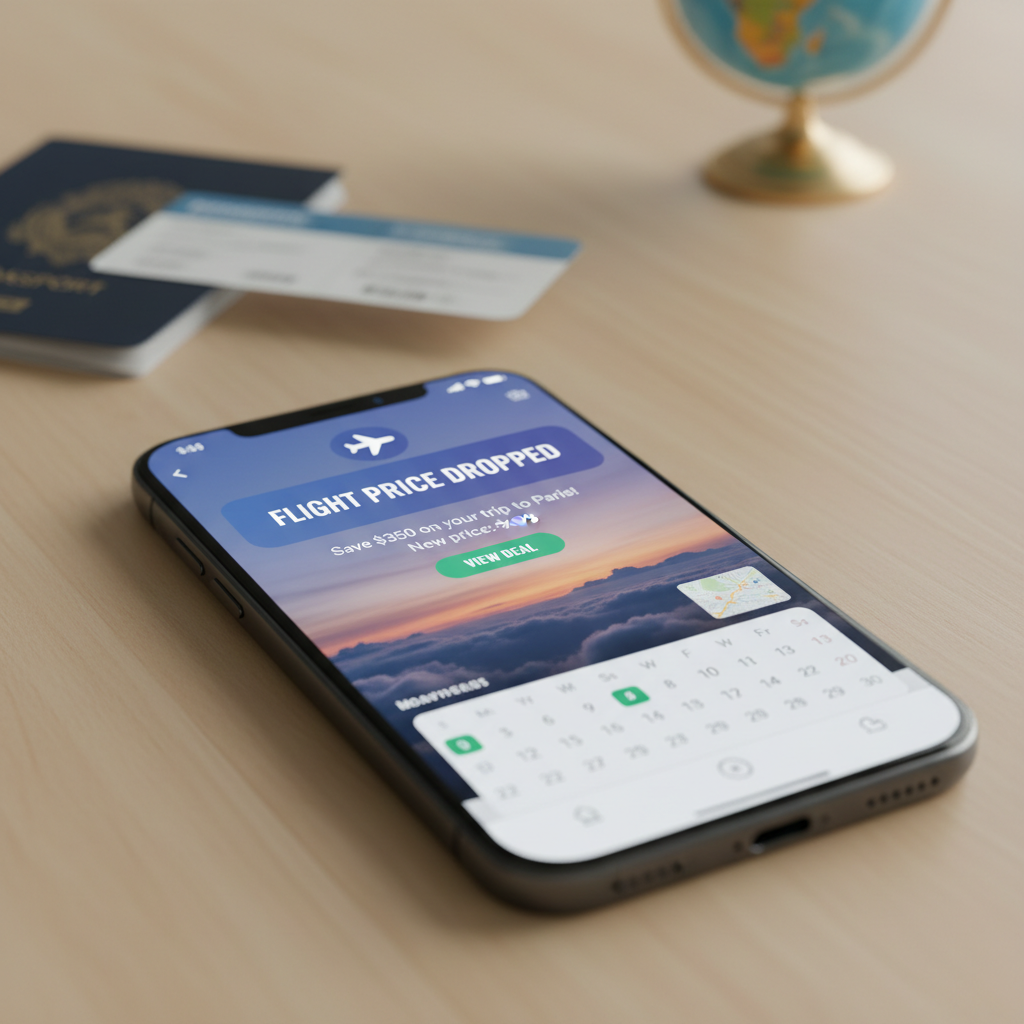
스카이스캐너에서 가장 싼 항공권이 항상 가장 좋은 선택은 아닙니다. 결제 전 아래 항목을 확인하세요.
| 확인 항목 | 이유 |
|---|---|
| 위탁수하물 포함 여부 | 저가 항공권은 수하물이 빠져 있을 수 있음 |
| 기내수하물 규정 | 항공사마다 크기와 무게 기준이 다름 |
| 환불 가능 여부 | 특가 항공권은 환불 불가인 경우가 많음 |
| 변경 수수료 | 일정 변경 가능성이 있으면 중요 |
| 경유 시간 | 너무 짧거나 너무 길면 위험 |
| 공항 변경 | 같은 도시라도 공항이 다를 수 있음 |
| 도착 시간 | 심야 도착은 교통비·숙박비 추가 가능 |
| 결제 통화 | 카드 수수료와 환율 차이 확인 |
| 판매처 평판 | 낯선 여행사는 후기와 고객센터 확인 |
특히 “최저가”만 보고 결제했다가 수하물 추가 비용 때문에 더 비싸지는 경우가 많습니다.
항공사 직접 예약과 여행사 예약 차이
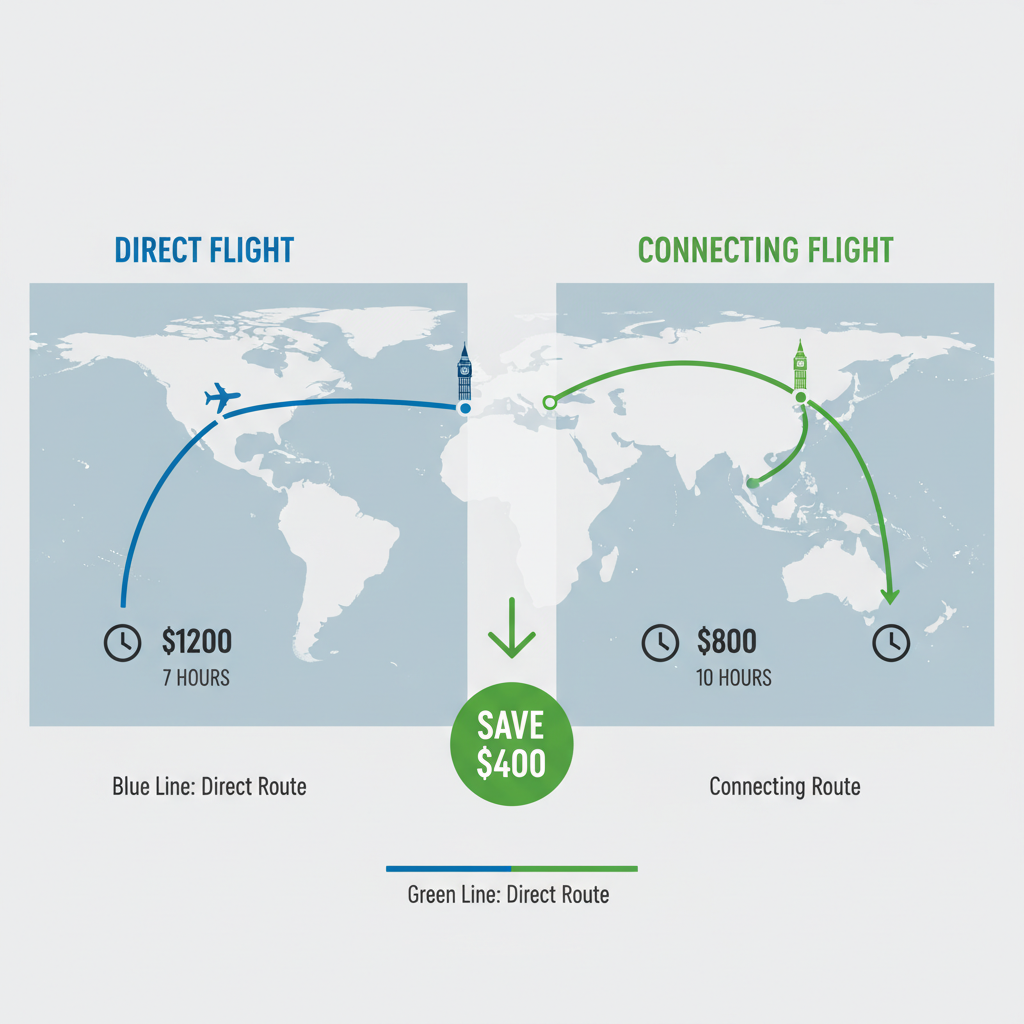
스카이스캐너 검색 결과에는 항공사 공식 사이트와 온라인 여행사가 함께 보일 수 있습니다.
둘의 차이는 다음과 같습니다.
| 예약처 | 장점 | 주의점 |
|---|---|---|
| 항공사 공식 | 변경·취소 대응이 비교적 명확 | 가격이 조금 높을 수 있음 |
| 온라인 여행사 | 더 저렴한 가격이 나올 수 있음 | 고객센터, 환불, 변경 처리 확인 필요 |
일정이 확정되어 있고 가격 차이가 크다면 여행사 예약도 선택지가 될 수 있습니다. 하지만 일정 변경 가능성이 있거나 장거리·경유 항공권이라면 항공사 공식 예약이 더 마음 편할 수 있습니다.
예약 후에는 반드시 항공사 홈페이지에서 예약번호가 조회되는지 확인하세요.
스카이스캐너 호텔·렌터카도 같이 볼까

스카이스캐너는 항공권뿐 아니라 호텔과 렌터카도 비교할 수 있습니다. 항공권을 고른 뒤 숙소 가격을 바로 확인하면 전체 여행 예산을 잡기 쉽습니다.
다만 호텔과 렌터카는 항공권보다 조건 차이가 더 큽니다.
- 호텔: 세금, 리조트피, 조식, 무료취소 여부 확인
- 렌터카: 보험, 보증금, 운전자 나이, 주행거리 제한 확인
- 해외 렌터카: 국제운전면허증, 현지 교통법, 카드 보증금 확인
항공권만 싸게 사도 숙소가 비싸면 전체 비용은 올라갑니다. 항공권을 결제하기 전에 숙박비까지 같이 확인하는 것이 좋습니다.
스카이스캐너 사용 팁과 오해
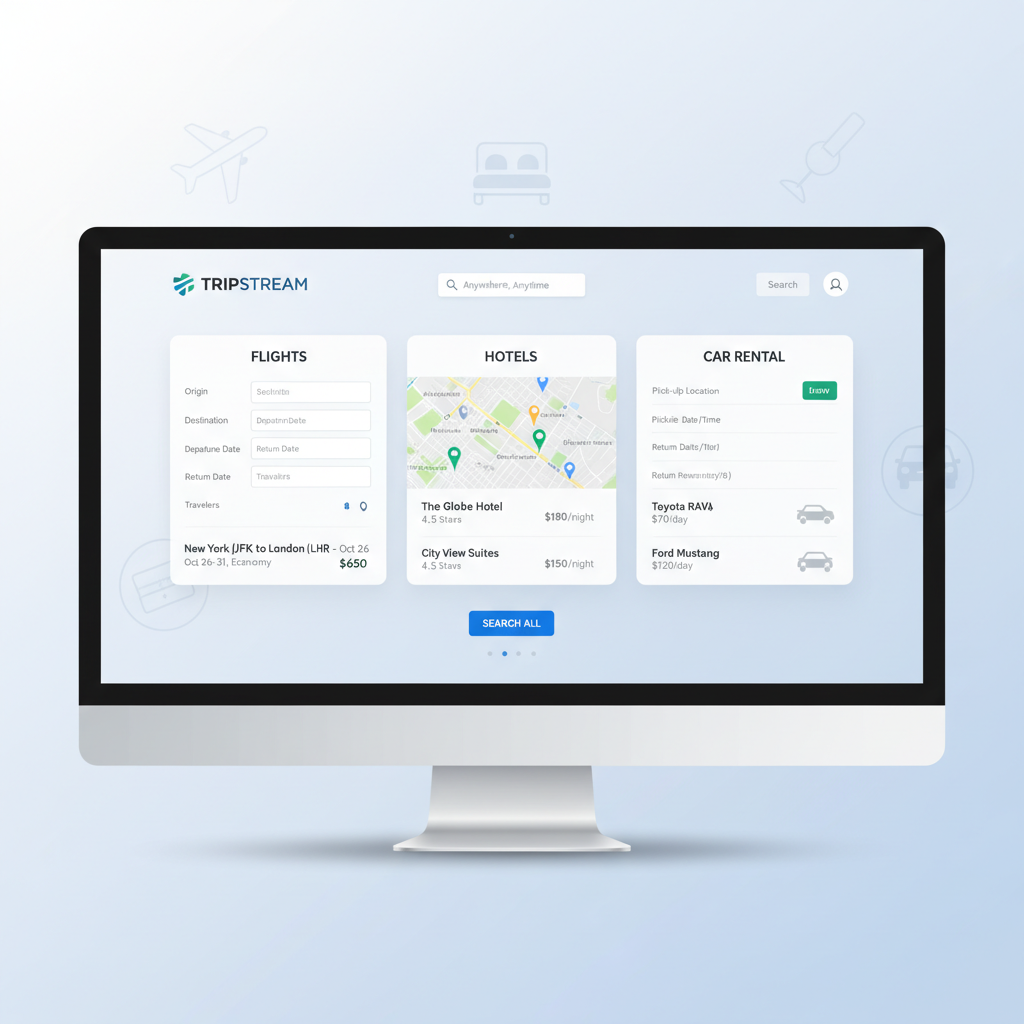
스카이스캐너를 잘 쓰려면 아래 원칙을 기억하세요.
- 날짜를 하루 이틀씩 앞뒤로 바꿔 검색합니다.
- 출발 공항과 도착 공항을 여러 개 비교합니다.
- 직항과 경유를 따로 비교합니다.
- 가격 알림을 켜두고 며칠 추이를 봅니다.
- 결제 직전 최종 가격을 다시 확인합니다.
- 너무 낯선 판매처는 후기와 고객센터를 확인합니다.
시크릿 모드로 검색하면 무조건 싸진다는 이야기도 있지만, 항공권 가격은 좌석 재고, 수요, 환율, 항공사 정책 등 여러 요인으로 바뀝니다. 시크릿 모드는 검색 기록 영향을 줄이는 데 도움은 될 수 있지만, 최저가를 보장하는 방법은 아닙니다.
가장 현실적인 방법은 여러 날짜와 판매처를 비교하고, 최종 조건까지 확인한 뒤 결정하는 것입니다.
FAQ
스카이스캐너는 항공권을 직접 판매하나요?
대부분은 여러 항공사와 여행사의 가격을 비교해 보여주고, 선택한 판매처로 연결해 결제하게 합니다. 결제와 환불은 연결된 판매처 조건을 따라야 합니다.
스카이스캐너 최저가가 결제 화면에서 달라질 수 있나요?
가능합니다. 항공권 가격은 실시간으로 변하고, 수하물·세금·수수료·결제 통화에 따라 최종 금액이 달라질 수 있습니다.
스카이스캐너 가격 알림은 어떻게 쓰나요?
원하는 노선과 날짜를 검색한 뒤 가격 알림을 설정하면 변동 정보를 받을 수 있습니다. 알림 가격이 항상 결제 가능 가격과 일치하지는 않으므로 들어가서 최종 가격을 확인해야 합니다.
모든 곳 검색은 언제 유용한가요?
목적지는 정하지 않았고 예산에 맞춰 여행지를 고르고 싶을 때 유용합니다. 항공권이 싸더라도 숙박비와 현지 물가를 같이 확인해야 합니다.
항공권은 언제 사는 게 가장 싸나요?
노선, 시즌, 항공사에 따라 다릅니다. 정답 날짜는 없지만, 출발일이 가까워질수록 선택지가 줄어드는 경우가 많으므로 미리 가격 추이를 보는 것이 좋습니다.
추가 팁
- 스카이스캐너는 항공권을 직접 판매하기보다 여러 항공사와 여행사의 가격을 비교해 보여주는 서비스입니다
- 결제 전에는 수하물, 환불, 변경 수수료, 최종 결제 통화를 반드시 확인해야 합니다
관련 팁
궁금한 점이 있으신가요?